
How to Start Playing on a CS2 Server
Counter-Strike 2 truly comes alive on community servers: Retake, Arena 1x1, Deathmatch, Surf, AWP and pubs give you live games with no long waiting and clear rules. In this guide we'll cover from scratch how to find a suitable CS2 server in the ServerCS2 monitoring and connect to it in a couple of minutes.
What you need before you start
- Counter-Strike 2 installed and updated on Steam.
- A stable internet connection — a low ping (up to 50–60 ms) matters for comfortable play.
- A few minutes to pick a mode and a server you like.
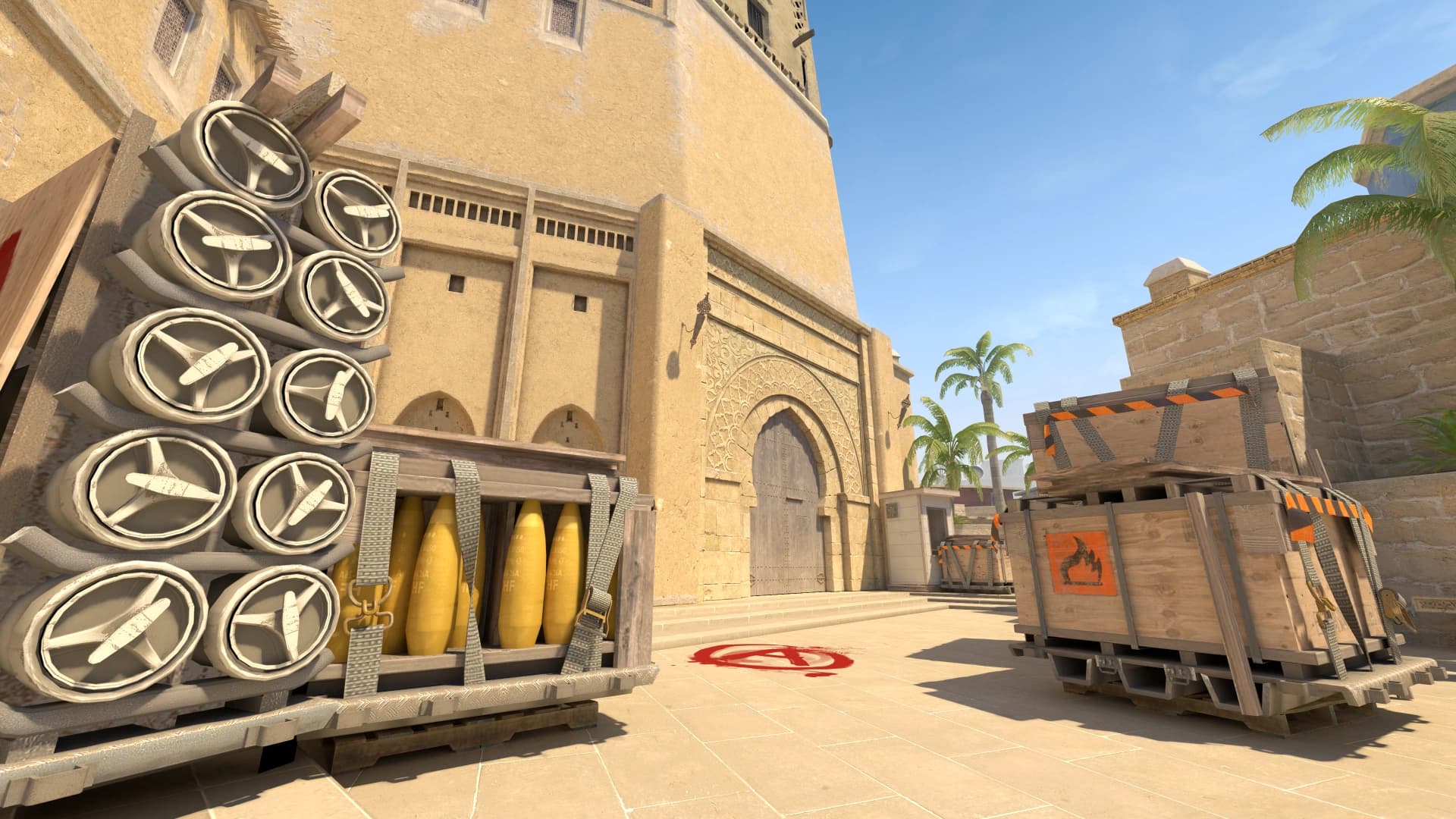
Step 1. Find a server in the monitoring
Open the “Servers” section on ServerCS2. You'll see a list of Counter-Strike 2 game servers with the player count, current map, mode, ping and real-time status. Sort the list by player count or rating so the liveliest projects end up at the top.
Step 2. Choose a mode that suits you
The mode defines the style of play. For beginners it's easiest to start with Deathmatch or Arena 1x1 — fast respawns and lots of shooting to train your aim. Retake is good for practicing executes and entries, while Surf and Bhop are great for relaxed play.
- Deathmatch — endless respawn, shooting practice.
- Retake — practicing taking and holding a site.
- Arena 1x1 — one-on-one duels.
- Surf / Bhop — movement and tricks, relaxed fun.
- AWP / GunGame — narrowly focused modes for fun.
Step 3. Connect to the server
The simplest way is to click the “Connect” button on the server card: CS2 will launch and automatically join the chosen server. If you want to connect manually, copy the server's IP and port, open the console in CS2 (the “~” key) and type the connect command, for example: connect 185.12.34.56:27015.
What to do if you can't join
- Check that the server is online — its status in the monitoring should be green.
- Make sure CS2 is updated to the latest version.
- High ping or a timeout? Pick a server closer to your region.
- Server full? Wait for a free slot or pick a neighboring server of the same mode.
Done — you're in the game. Save the servers you like to your favorites to quickly come back to them, and don't forget to rate projects: it helps other players find the best CS2 servers.